
Exception: weblogic.nodemanager.common.configexception: native version is enabled but nodemanager native library could not be loaded Solution: For Weblogic10 & 11g Go to your $WL_HOME/common/nodemanager/ Edit the nodemanger.properties file ( If not available create it) Change the value of NativeVersionEnabled=true to NativeVersionEnabled=false Restart the Nodemanager For Weblogic 12c Go to your Domain/nodemanager directory (i.e: /apps/oracle-weblogic/domains/mwidomain/nodemanager/) Edit[...]
Read moreAuthor: Sarav AK
Sarav is the creator and Founding Author of Devops Junction. He has 13+ years of experience in Software Development and Architecture. He has written around 250+ articles on various technologies.
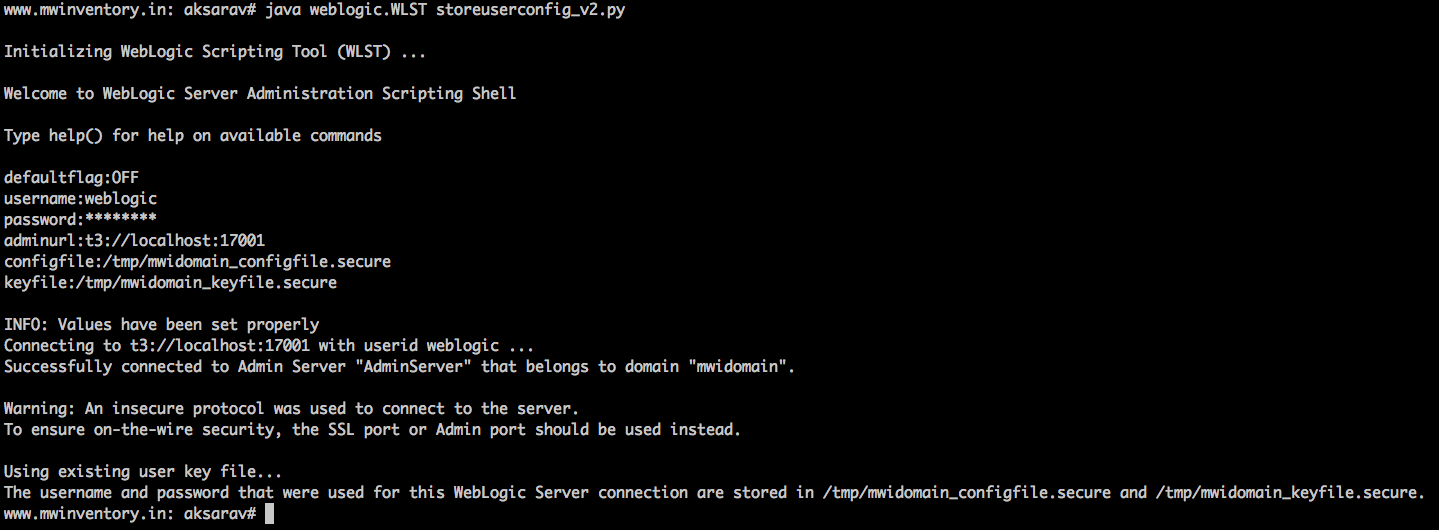
Weblogic WLST storeuserconfig - Security Best Practice
Overview While connecting to Weblogic Scripting Tool (WLST) or while running any WLST scripts, we might have used the clear text username and password which could lead us to any potential security threat. In order to avoid it, Oracle recommends us to use the UserConfigFile and UserKeyFile where ever applicable. Best example where you[...]
Read more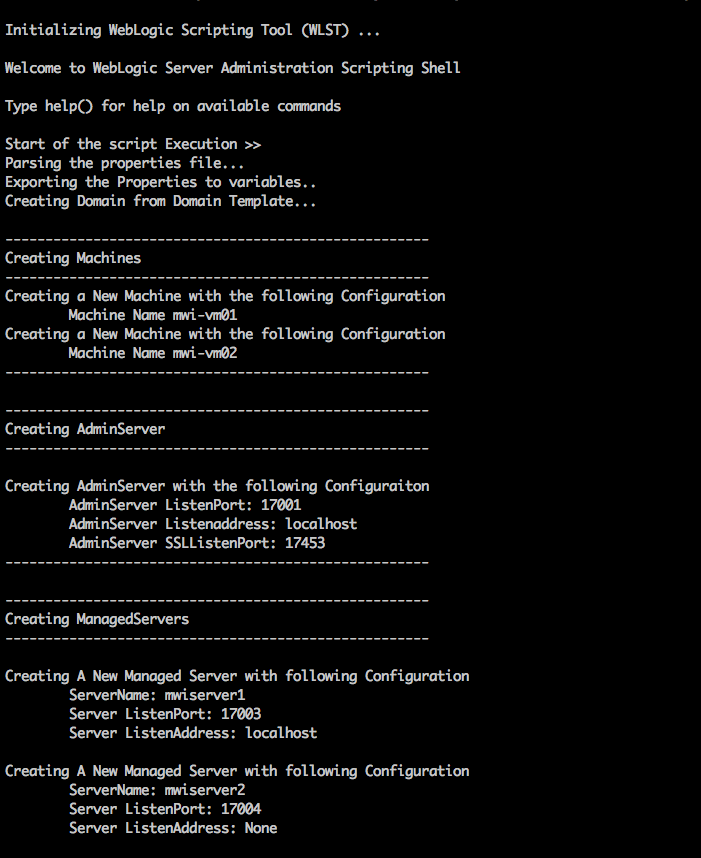
Weblogic domain creation script - WLST
In a continuation of our previous weblogic wlst scripts and automation tools. Here comes the weblogic domain creation script to create a new domain with the feature of creating managed servers, machines, clusters. This script is tested in weblogic11g and 12c Overview: This is a python script that can be[...]
Read more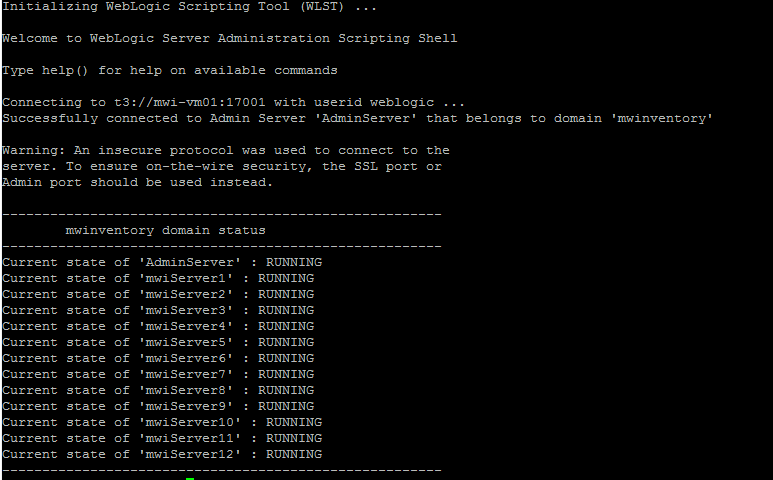
weblogic server status script - WLST
A Small and Simple script to get all the server status from the weblogic domain, Including AdminServer & Managed Server. The Jython Script How to Execute this script Copy the preceding script content to a file, let's say /tmp/get_wls_serverstate.py cd domain/bin . ./setDomainEnv.sh java weblogic.WLST /tmp/get_wls_serverstate.py Script Output Hope this[...]
Read moreClient IP Logging in IIS/Apache - Story of X-Forwarded-For Header
We all at some point wanted to know who is accessing our web page. Our Source of information is the access log file. Sometimes we do not get what we expect to. In case if we want to know the exact client's IP. Sometimes All you get is some network/firewall[...]
Read moreWeblogic Application Deployment Parser
Let me introduce Weblogic Application Deployment Parser , A tool designed to list all the application (app-deployment) configuration from the config.xml file of weblogic. It uses the same core of Weblogic Config XML Reader you can find it here Though there are weblogic.Admin and WLST ways to get the deployed[...]
Read moreThe WordPress and the vanishing html elements
Are you looking for a solution to any of the following probelm "html elements are not working in wordpress post", "iframe tag is getting stripped in the post after update", "script tags are vanishing after updating the post", "not able to use any html elements in the post" "Not able[...]
Read moreHow to Ignore SSH Host Key Verification
While running a script to login to multiple remote servers using sshpass (or) keybased authentication (or) while logging to remote server using ssh (or) while copying the file using SCP. There are chances we might have encountered this "Host Key Verification failed" message. All the time we cannot do manual[...]
Read more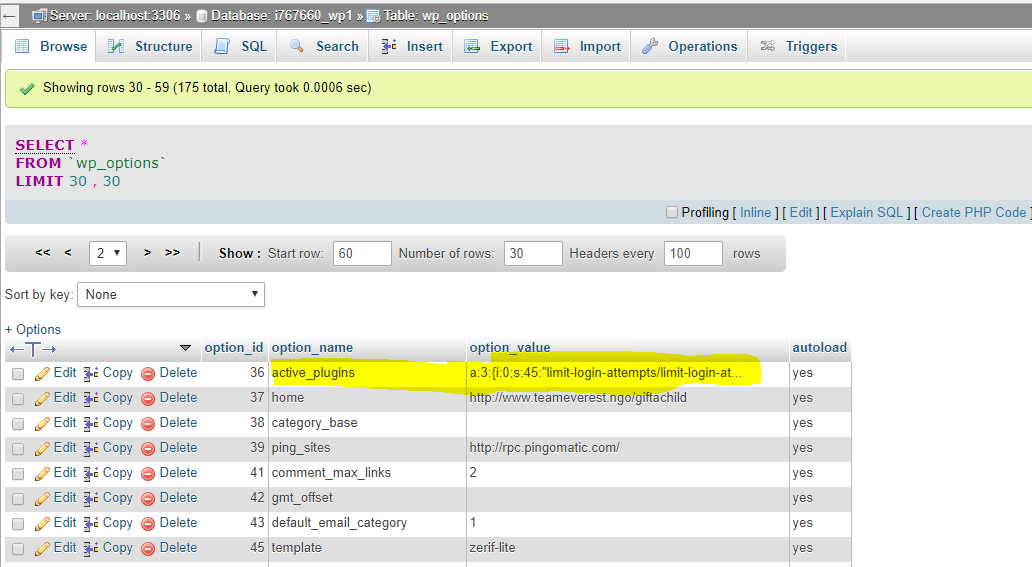
How to install and activate plugin manually without wp-admin dashboard
This post is to elaborate, how to manually install and activate the plugin without using wp-admin dashboard but we must be having FTP access to the domain hosting ( godaddy, bluehost etc) to upload files. Step1: Download the plugin you wanted to install, in my case its "shortcoder" plugin available[...]
Read moreHow to handle the weblogic too many open files exception
How to handle the weblogic Too many open files exceptions in Linux environment. Exception: <Jan 9, 2018 11:06:01 AM IST> <Notice> <Server> <mwinventory.in> <mwiserver2> <DynamicListenThread[Default]> <<WLS Kernel>> <> <> <1515557161382> <BEA-002614> <Reopening channel "Default" on 192.16.8.34:13004.> ####<Jan 9, 2018 11:06:01 AM IST> <Error> <Server> <mwinventory.in> <mwiserver2> <DynamicListenThread[Default]> <<WLS Kernel>> <>[...]
Read more